



Turn On Visibility
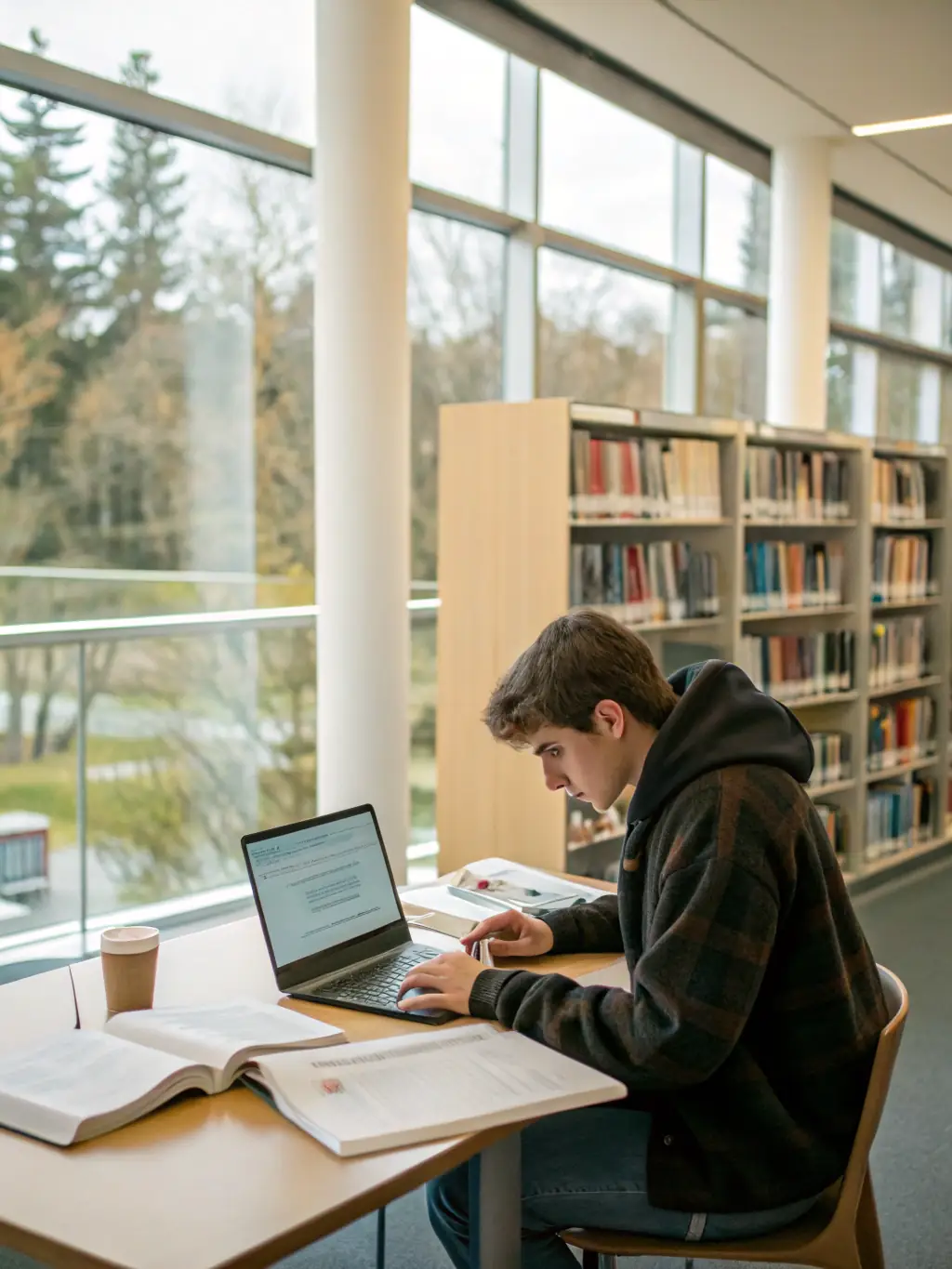
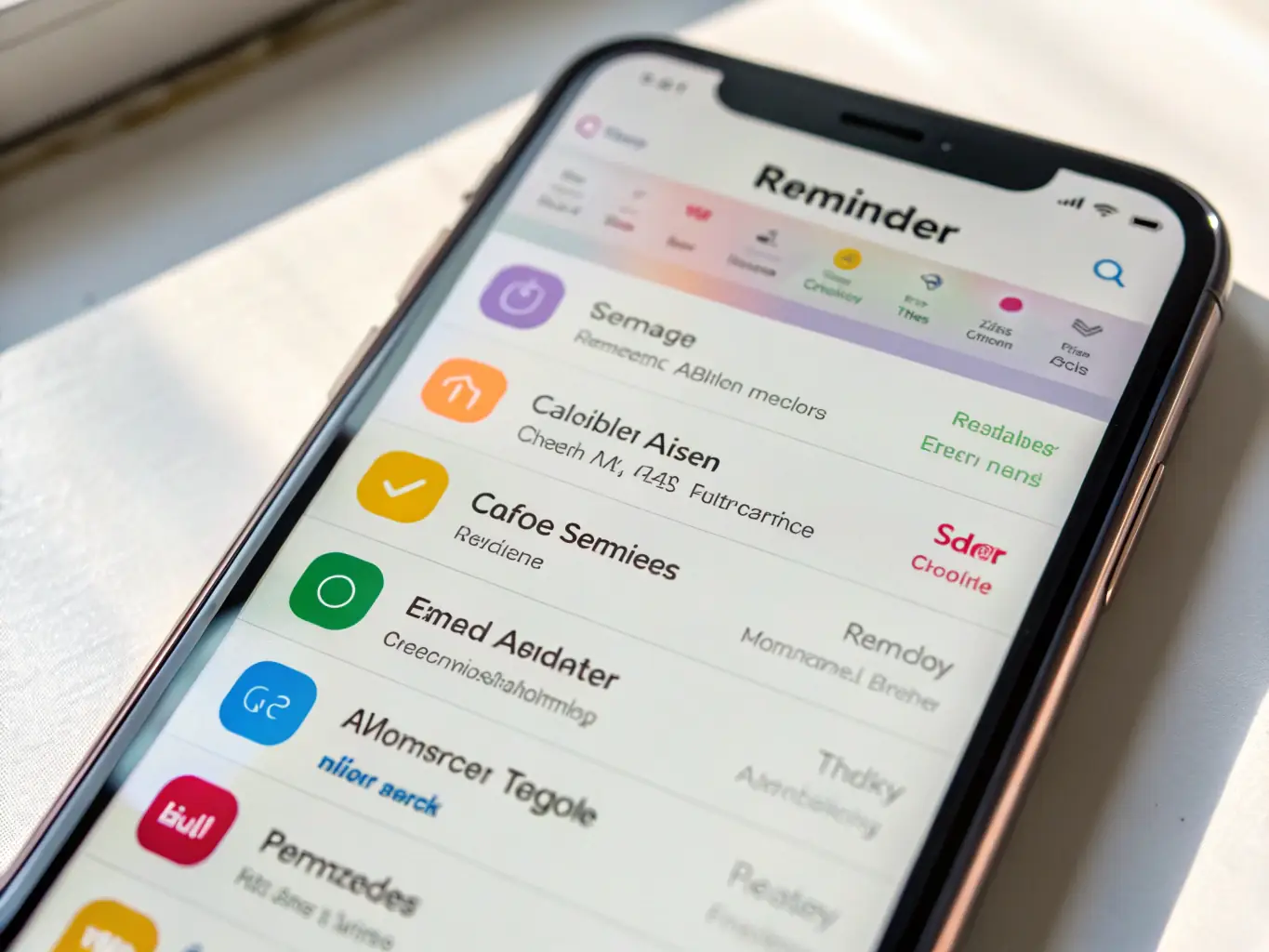
First, navigate to your settings and ensure your visibility is toggled on. This allows other SpotMeApp users in your vicinity to discover you. It's the first step to unlocking local connections.
View Nearby Users
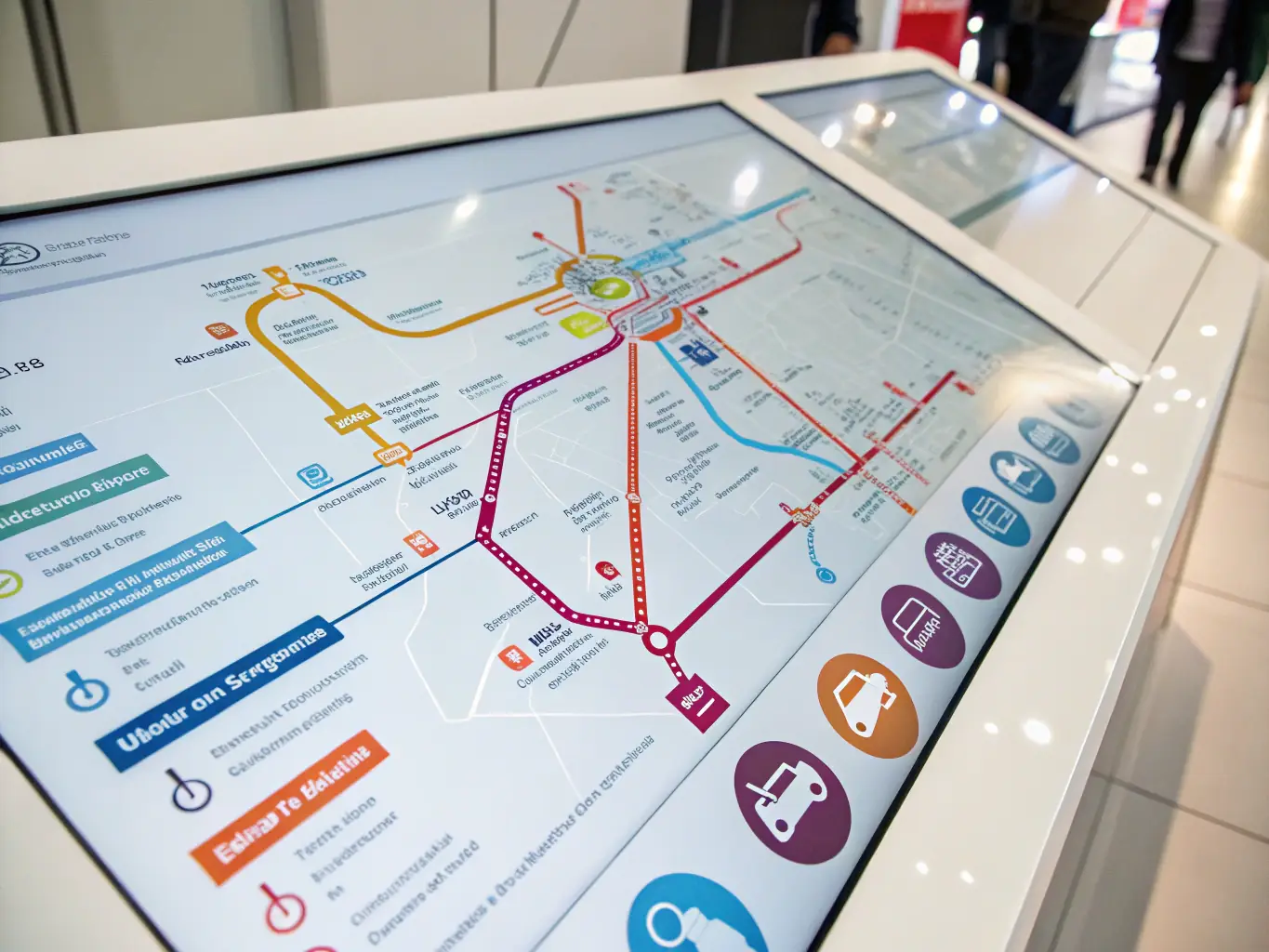
Once visible, explore the interactive map to see other users within a 200-meter range. Each icon represents a potential connection waiting to be discovered. Tap to view their profile.
Access User Profiles
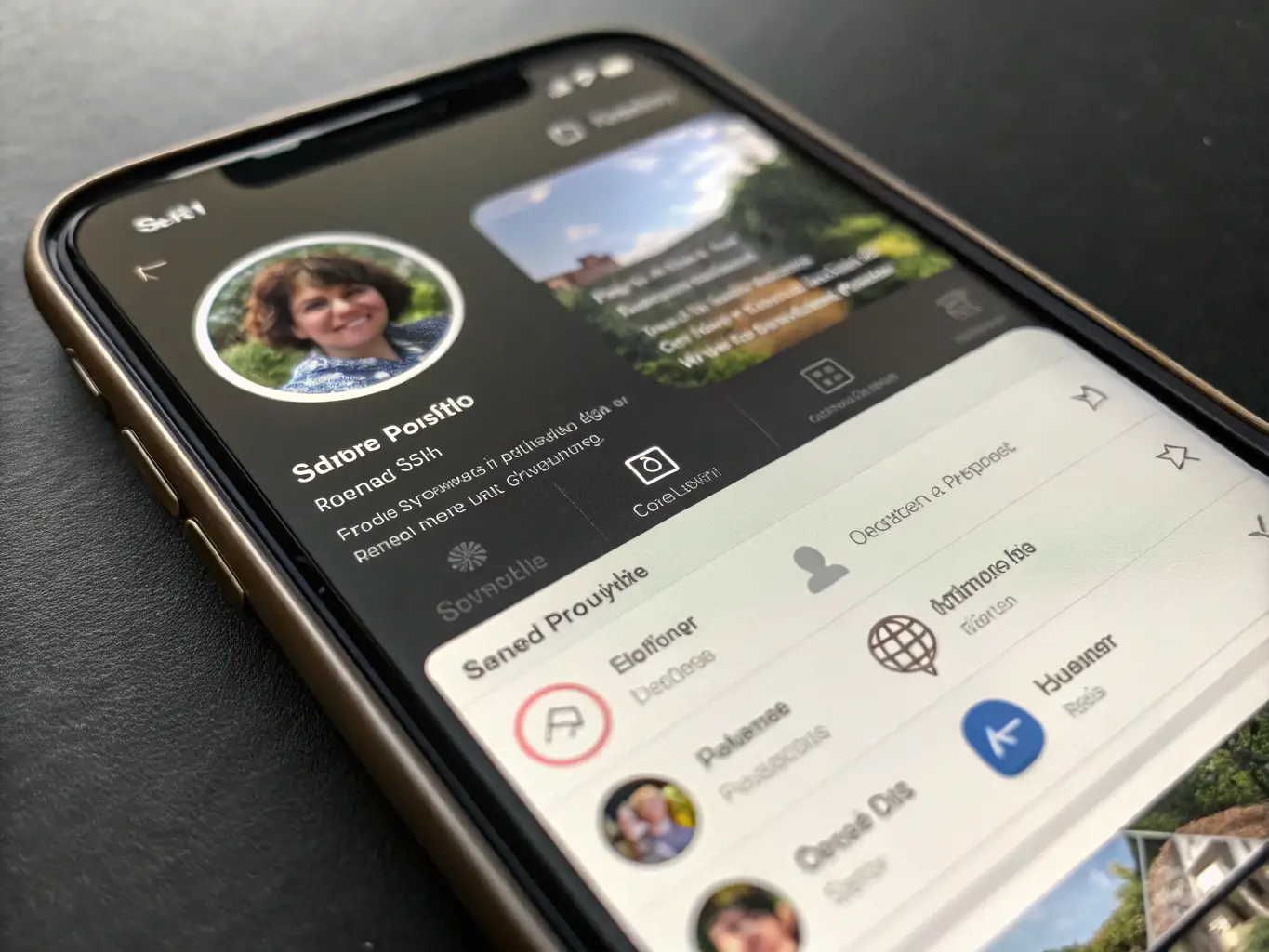
Tap on a user's icon to instantly access their profile. View their photo, read their bio, and decide if you want to connect. It's that simple to start a conversation and build new relationships.